
Quick answer
StartAllBack targets Windows 11 interface customization. Before installation, identify your OS build and decide whether you need changes to the Start menu, taskbar, Explorer, or context menus. Compare available Windows settings before installing another shell layer.
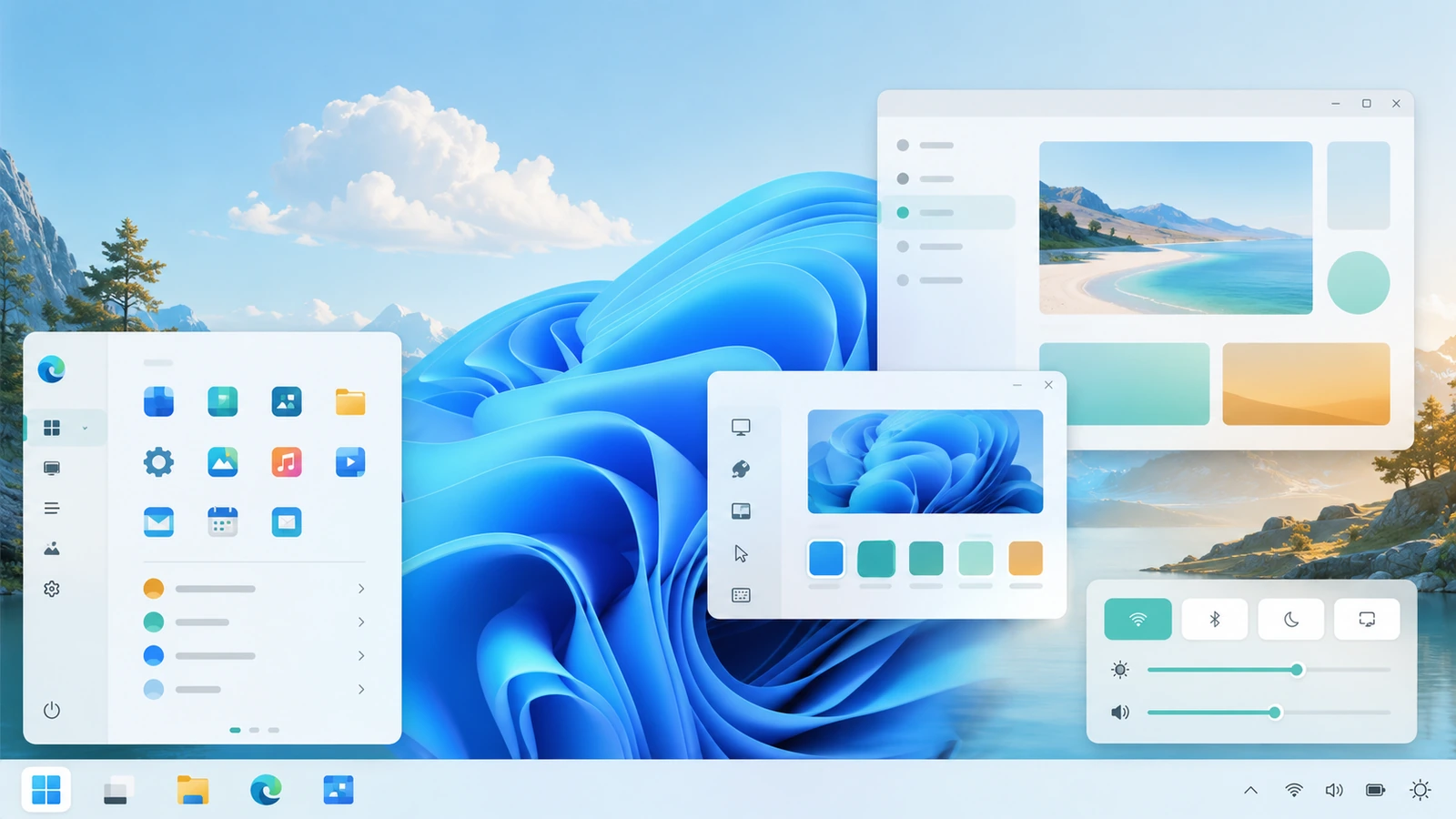
What matters for this task
Windows 11 is not one unchanging interface. Feature updates and cumulative updates can alter the shell, while StartAllBack releases may address particular builds. The useful compatibility record is the combination of OS build, application version, architecture, and other customization tools.
Steps to follow
- Run winver and record its complete build number, not only the words Windows 11.
- Write down the desired behavior: separate taskbar buttons, a classic menu layout, a different Explorer interface, or another specific task.
- Check Windows Settings first. Use a native option when it already solves the problem without an additional application.
- When StartAllBack is needed, compare release notes, install the compatible package, and test only the selected area before changing the rest.
Verify the result
Open two windows of the same app, a File Explorer folder, and the Start menu. Verify the behavior you actually wanted rather than judging compatibility from a screenshot.
Limits and rollback
Revert the changed component or uninstall the utility if native Windows is sufficient. Keep your recorded build information for any later support request.
Questions about this task
Is Windows 11 compatibility permanent after a successful install?
No. Recheck after major system updates and after changing another shell customization tool.
Does a classic interface change the Windows version?
No. Interface styling does not turn Windows 11 into Windows 7 or Windows 10.
Primary sources
Publisher claims and Windows procedures are linked below. The comparison and diagnostic steps are editorial guidance, not a claim of hands-on Windows testing.
Windows 11 download · Review compatibility and the publisher’s license terms before installing.
Download for Windows 11 File source and installation notes